Kingdom Architect Tycoon Tools
Checklists and planners that respect offline earnings and land expansion pacing.
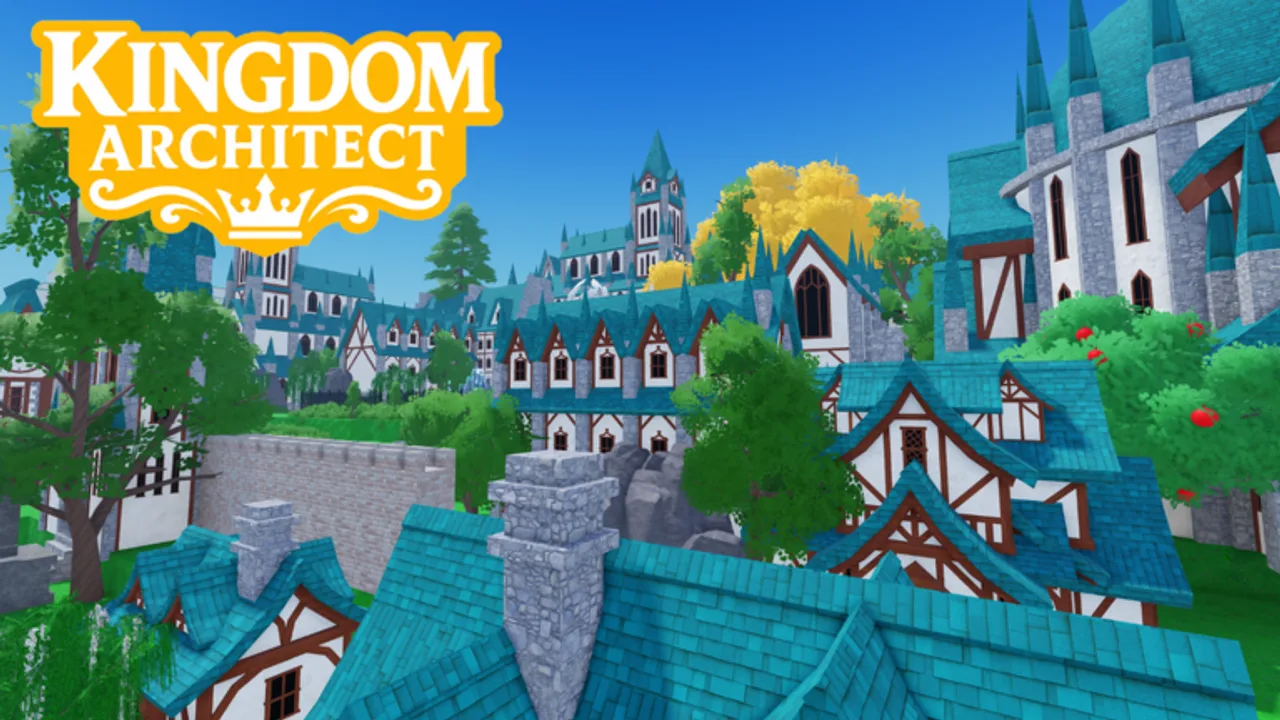
Tools on this wiki are not executors or hacks — they are structured checklists and planning frames you can follow inside legitimate Roblox play. Kingdom Architect Tycoon by Finite Works rewards land expansion, income chains, and offline collection timers. These aids translate that loop into steps you can tick off each session without guessing what matters next in beta.
Unofficial wiki disclaimer: we are not affiliated with Finite Works or Roblox Corporation. Numbers like plot costs can change; when they do, update your personal notes after reading beta updates.
Pages in this section
- Progression Checklist — session-by-session kingdom growth from first house to late castle districts
- Session Planner — login/logout timing for offline growth windows without scripts
Why use wiki tools instead of scripts
Search demand pushes players toward auto-farm scripts. Our scripts hub lists none verified for this game as of August 2026. Scripts risk bans and malware. Wiki tools align with:
- Getting Started fundamentals
- Building tier list investment order
- Gamepass guide when you choose Robux
- Active codes when promo strings exist
Think of tools as the free, safe automation — your checklist brain instead of a Lua injector.
How tools fit the kingdom loop
Kingdom Architect Tycoon cycles through build, collect, expand, and offline earn. Tools map each phase:
Build phase. Checklists remind you to prioritize income structures before cosmetic decor — see the progression page for ordering houses, markets, towers, walls, gardens, and terrain.
Collect phase. Session end rituals: run collection routes, queue upgrades, note timer end times before logout.
Expand phase. Land unlocks are the main gate. Tools track when to save cash versus when to buy the Land Expansion gamepass (399 Robux).
Offline phase. Checklists include logout prep so overnight progress is not wasted on empty queues.
Pair tools with other hubs
| Goal | Tool + link |
|---|---|
| Faster early cash | Checklist + guides |
| Smarter spending | Checklist + tier list |
| Login timing | Session Planner + offline progression |
| Robux timing | Checklist + links review |
| Patch changes | Checklist + beta updates |
| Event boosts | Checklist + events |
| Code drops | Checklist + codes |
Mobile vs PC players
Roblox tycoon fans split between phone check-ins and PC layout sessions. Tools here use markdown checkboxes you can copy into notes apps. PC players might keep a second monitor tab open; mobile players can screenshot the checklist section and mark items in a gallery editor. Same content, flexible format.
Contributing feedback
Beta patches can reorder priorities — if a checklist step feels wrong after an update, compare with beta updates and adjust locally until we revise the JSON source. Wiki tools improve when players report friction without asking for exploit shortcuts.
Related sections
- Guides — narrative walkthroughs
- Updates — when to rewrite your personal plan
- Players — co-op roles if features expand
- Scripts — honest empty status
Start with the progression checklist on your next login. One tracked session beats ten unstructured build sprees.
Frequently Asked Questions
Quick answers for Kingdom Architect Tycoon players.
Are these tools allowed by Roblox?
Yes. They are text checklists — not executors or exploits. See [scripts hub](/scripts/) for why we avoid those.
Which tool should I use first?
The [progression checklist](/tools/progression-checklist/) covers early to mid kingdom growth. Add the [session planner](/tools/session-planner/) when offline timing matters.
Will tools auto-update my kingdom?
No. You manually follow steps in-game. Tools organize decisions; they do not play for you.